
1. Aged Cream Border

On a 1080x1350 canvas filled aged cream #F5F0E6, place the photo with a 110 px margin. Add a very faint darkened vignette around the mat’s inner edge and a whisper of grain over the whole frame at 8%. Keep it subtle. Export as PNG at full size.
This is the simplest vintage frame, so start here. You float the photo on a warm cream mat with a softly aged, slightly uneven border. It suits any photo because the aged mat alone reads old-album without touching the image much, and there is nothing to draw.
Skip thisDo not use bright white; a warm aged cream is what makes the mat read as an old print rather than new.
Editor's noteAdd the faint vignette to the mat, not the photo, so the border looks aged while the image stays clear.
2. Sepia Tone Frame
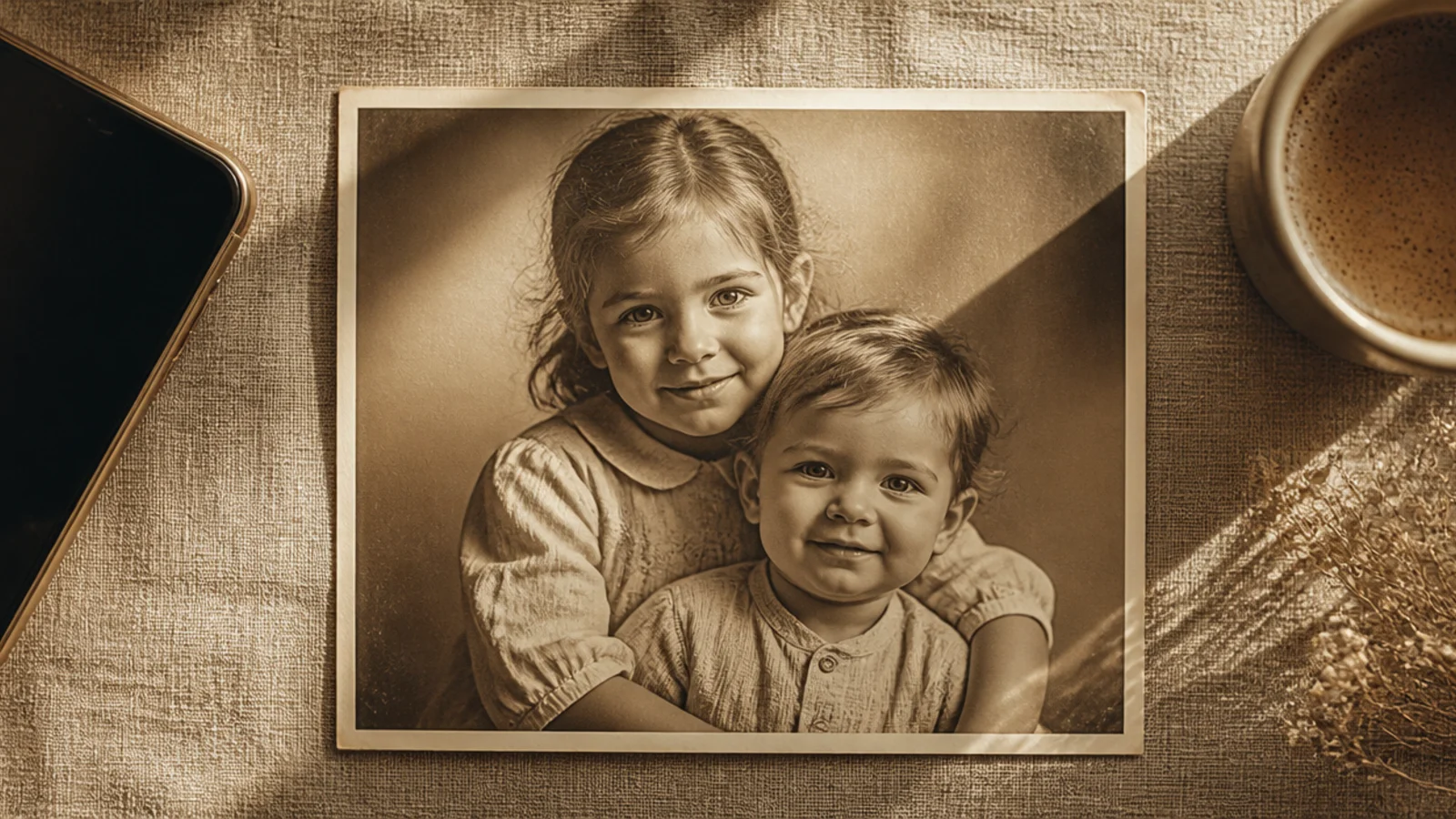
On a 1080x1350 canvas, add a sepia #B99A6B overlay over the photo at about 12% and lower the photo’s contrast slightly. Add a thin cream border at 60 px. Save the overlay layer for reuse. Export as PNG at full size.
A gentle sepia wash instantly ages a photo into a warm, timeless print. Kept light, it reads heirloom rather than filtered. It suits portraits, family posts, and anything you want to feel nostalgic and soft.
Skip thisDo not crank the sepia opacity high; a heavy brown wash looks like a filter, a light one looks like genuine age.
Editor's noteLower contrast a touch alongside the sepia; real old prints are soft and low-contrast, not punchy.
3. Deckled Edge Print Frame
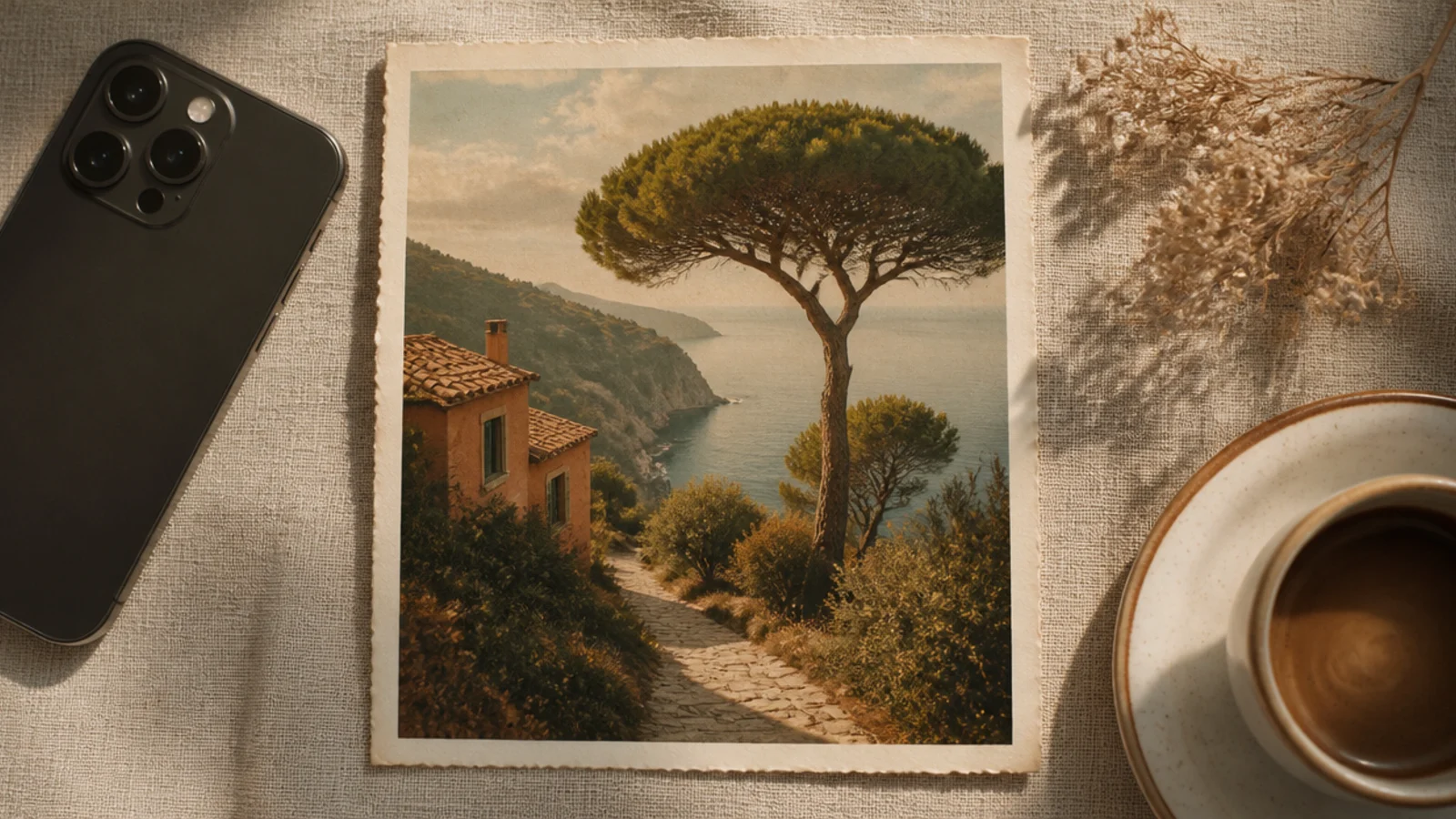
On a 1080x1350 canvas, add a 'deckled edge' white border element around the photo at about 60 px. Apply a light warm tint at 10% over the whole frame. Add faint grain. Keep the border even. Export as PNG so the deckled edge stays crisp.
A deckled white border with softly rough edges recreates the classic cut of mid-century prints. The uneven edge is the signature. It suits throwbacks and family photos you want to feel like they came out of a shoebox of old prints.
Skip thisDo not leave the border bright white while the photo is tinted; the mismatch breaks the vintage illusion.
Editor's noteTint the whole frame, border included, so the white border ages to the same warm cream as the photo.
4. Old Film Grain Frame
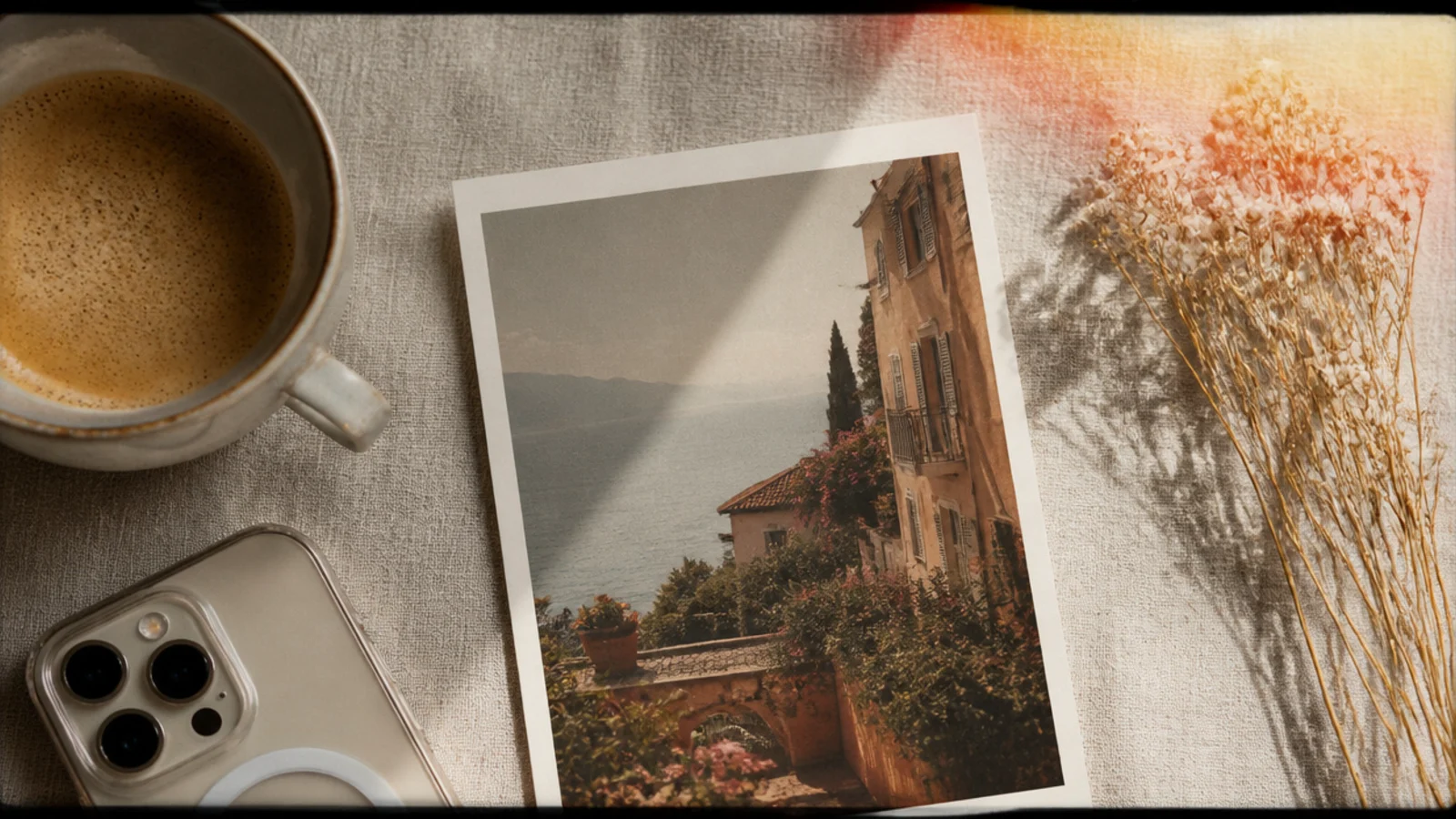
On a 1080x1350 canvas, place the photo with a 50 px dark border. Add a 'film grain' overlay at about 20% and a warm 'light leak' element bleeding into one corner at low opacity. Lower contrast slightly. Export as PNG at full size.
A grain-and-light-leak frame captures the feel of an old roll of film — textured, warm, with a leak of light in one corner. The imperfections are the charm. It suits moody, analog-leaning posts and golden-hour shots.
Skip thisDo not add light leaks in multiple corners; one is authentic, several look like a preset gone wrong.
Editor's notePlace the light leak in just one corner and keep it soft, like real light creeping onto film.
5. Vintage Postcard Frame
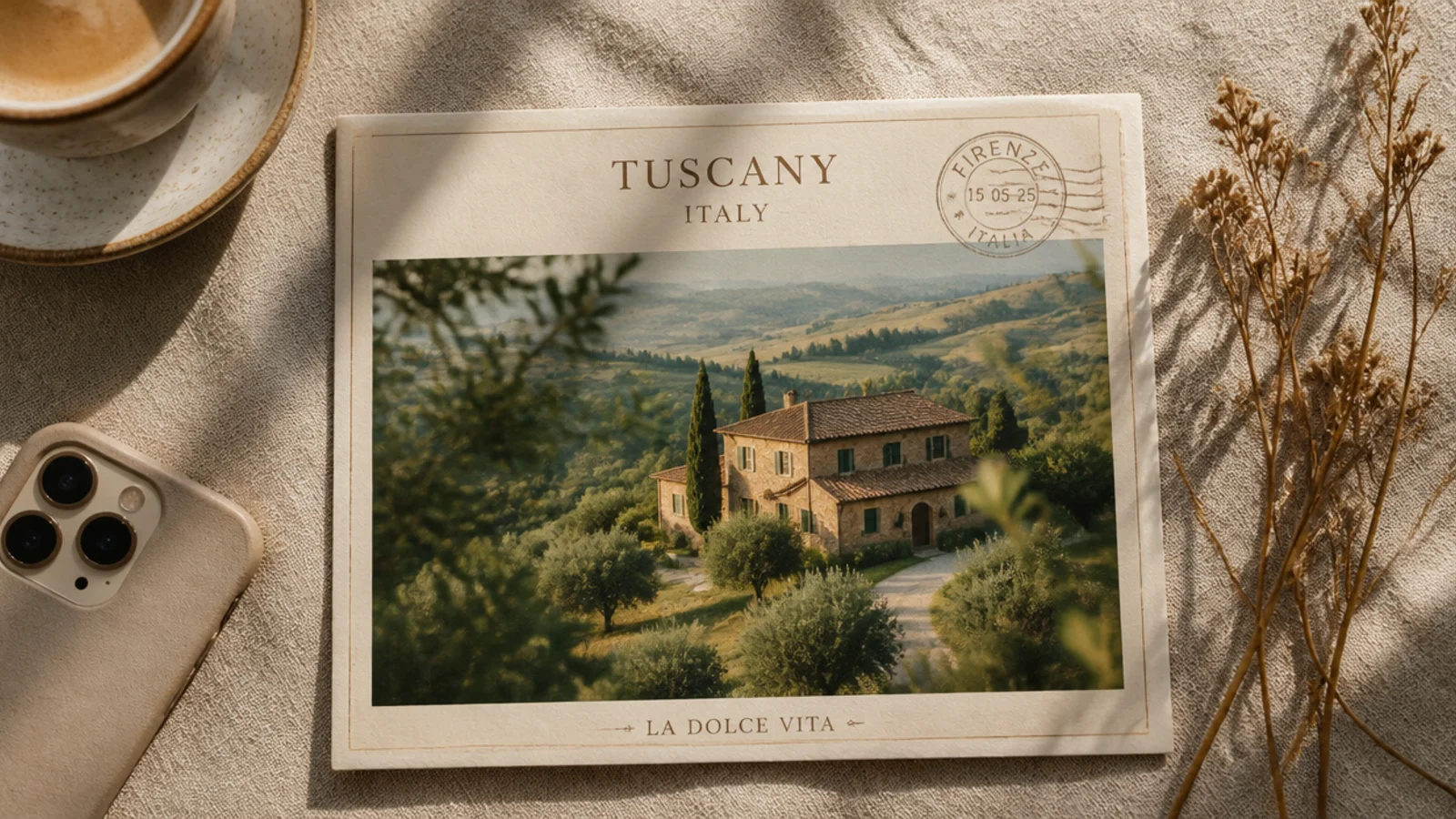
A postcard frame turns a photo into a retro travel keepsake with a place name and a faint postmark. It reads nostalgic and wanderlust at once. It suits travel throwbacks and destination posts with an old-world feel.
On a 1080x1350 canvas, add a cream border about 70 px around the photo. Add a place name in a retro serif at 48 px across the bottom and a faint circular postmark overlapping one corner in sepia. Apply a light warm tint. Export as PNG.
Use a slightly faded serif for the place name so it looks printed decades ago, not typed today.
Do not add lots of postcard text; a place name and a postmark are enough to read as vintage.
6. Ornate Antique Gold Frame

On a 1080x1350 cream canvas, add an 'antique frame' or 'ornate gold frame' element sized to fill most of the canvas, ideally one with a slightly tarnished look. Drop a simple photo into its opening. Apply a light warm tint over all. Export as PNG.
An ornate antique frame with tarnished gold detailing makes a photo look like a treasured heirloom portrait. The aged metal is the drama. It suits calm, single-subject shots that can carry a grand, museum-like frame.
Skip thisDo not use this on a busy photo; an ornate frame plus a cluttered image is visual overload.
Editor's noteChoose a frame with slightly tarnished, muted gold rather than shiny bright gold so it reads antique.
7. Retro Date Stamp Frame

On a 1080x1350 canvas, apply a light warm tint and a 2 px dark inner border. Add a date in a digital font like DSEG at 30 px in glowing orange #E8A15C in the lower-right. Keep the same corner on every post. Export as PNG.
A glowing orange date stamp in the corner references old point-and-shoot cameras and instantly dates a photo to the 90s. Paired with a warm tint it feels authentically retro. It suits candid, everyday throwback posts.
Skip thisDo not place the stamp over a busy area; keep it in a calm corner so it stays legible and believable.
Editor's noteSet the date in the classic orange LED color; it is the single detail that reads as a retro camera stamp.
8. Faded Polaroid Frame
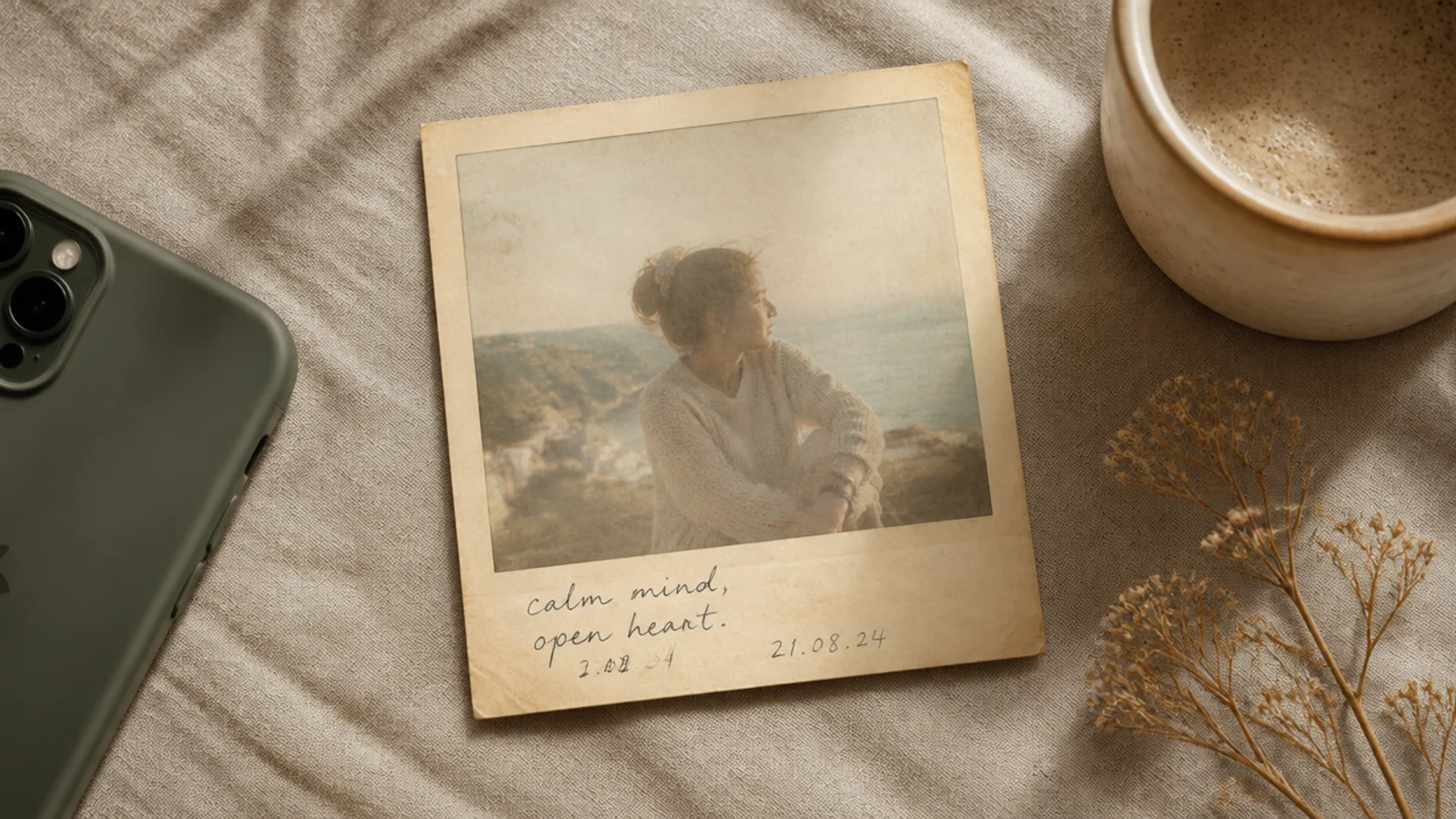
A yellowed polaroid with a faded image feels like a snapshot that has sat in a drawer for years. The low contrast and warm cast sell the age. It suits sentimental throwbacks and nostalgic memory posts.
On a 1080x1350 canvas, add a polaroid frame with a slightly yellowed border, photo inset with a 70 px top and side border and a 220 px bottom strip. Lower the photo contrast and add a warm tint. Add a handwritten note in the strip. Export as PNG.
Fade the photo’s contrast inside the polaroid so it looks aged, while keeping the handwriting crisp.
Do not keep the polaroid border bright white; a warm yellowed border is what makes it look old.
9. Newspaper Halftone Frame
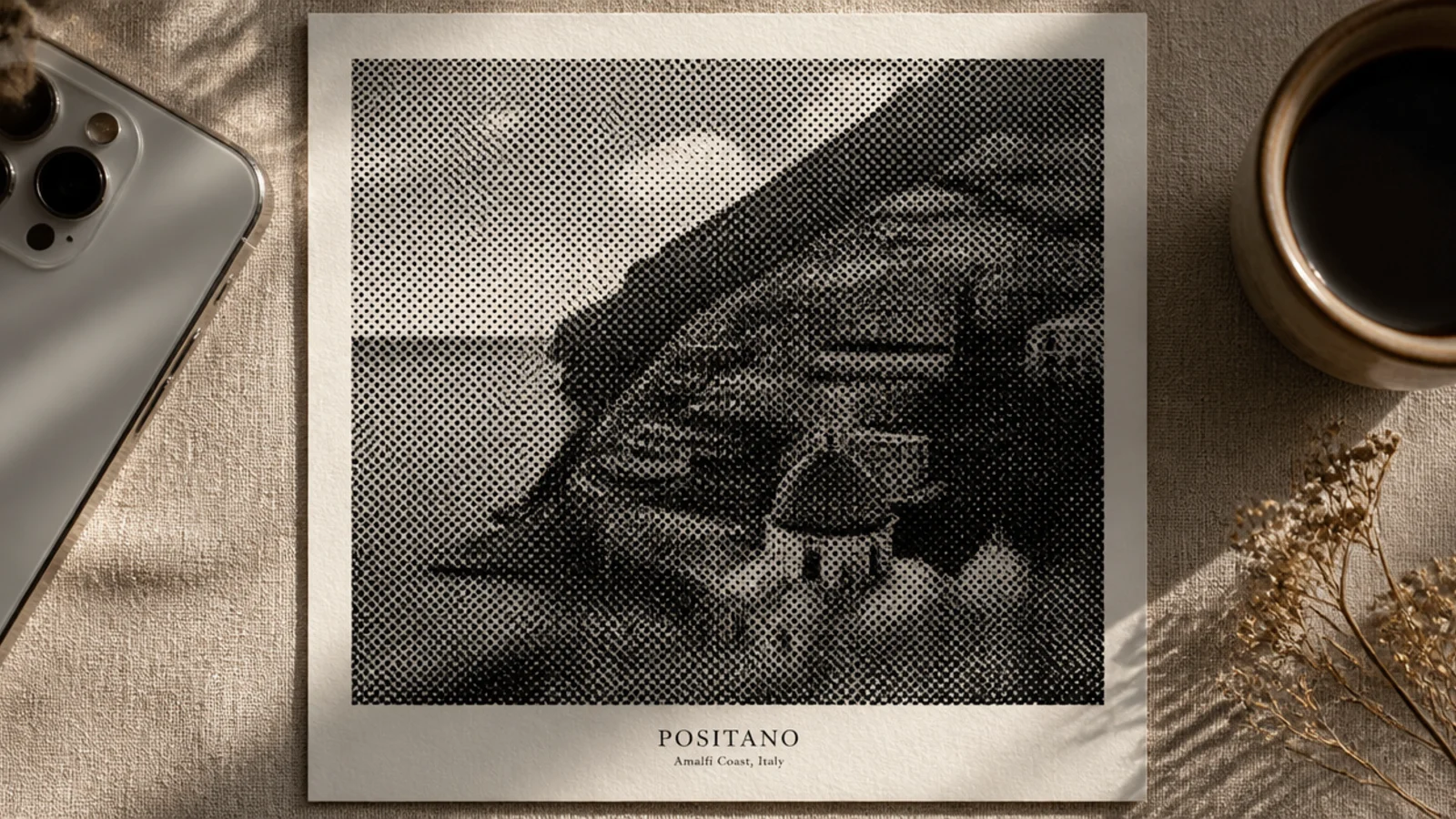
On a 1080x1350 cream canvas, apply Canva’s Halftone or a dot-pattern effect to a black-and-white photo. Add a 70 px cream border and a small serif caption below in Cormorant 28 px. Keep the dots visible but not overwhelming. Export as PNG.
A halftone treatment turns the photo into a printed-newspaper image made of dots, with a serif caption beneath. It reads vintage press and editorial. It suits statement posts, announcements, and retro editorial feeds.
Skip thisDo not make the halftone dots huge; oversized dots lose the photo and just look like a pattern.
Editor's noteUse a fairly fine halftone dot so the subject stays recognizable while still reading as newsprint.
10. Victorian Oval Locket Frame
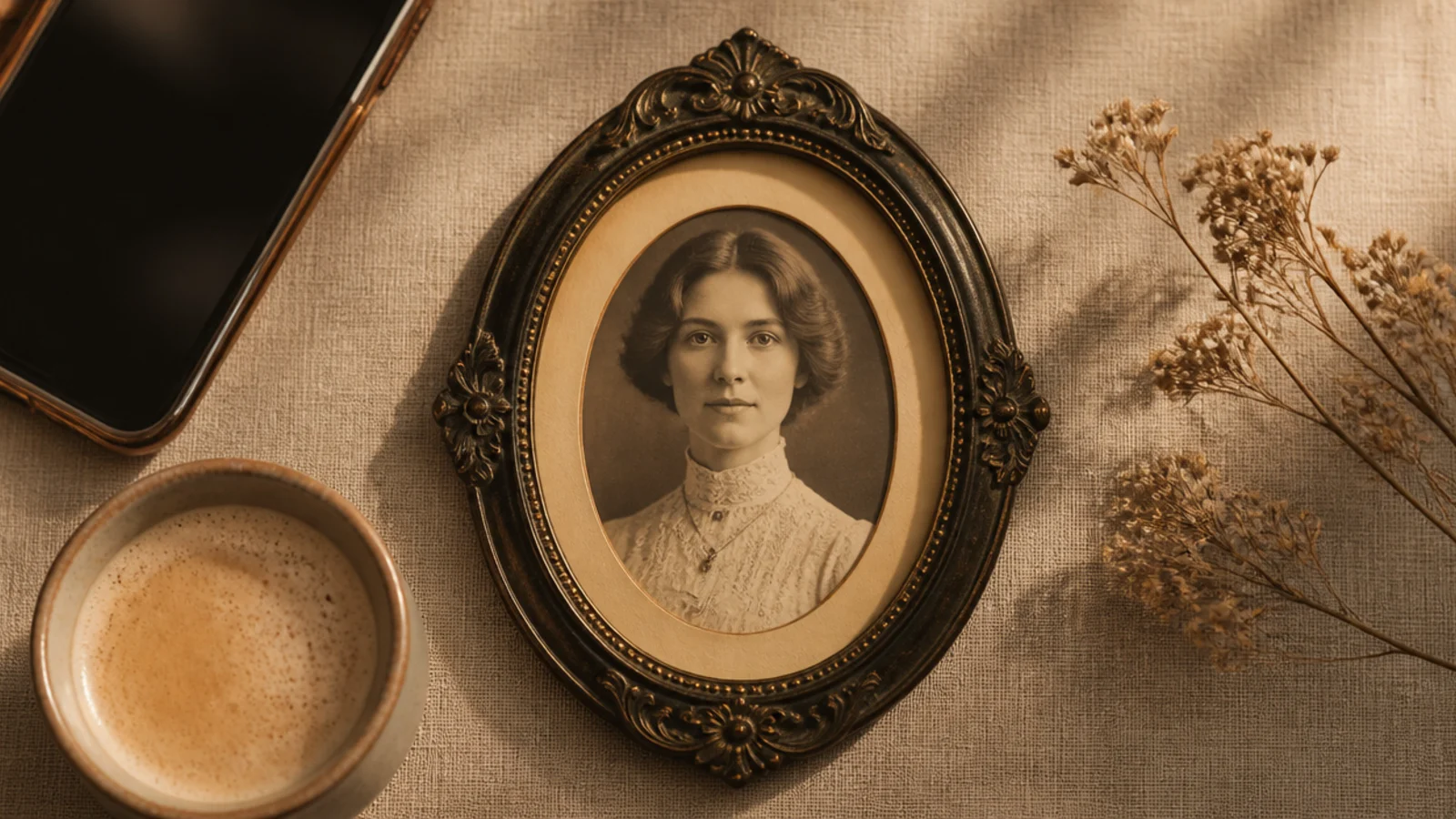
An oval photo inside an ornate locket-style frame feels like a Victorian keepsake portrait. The oval and antique border together read distinctly old-world. It suits portraits and romantic, heritage-themed posts.
On a 1080x1350 cream canvas, add an oval frame about 720x960 px, drop a sepia-toned photo in, then surround it with an ornate dark antique border element. Keep the mat warm and even. Export as PNG.
Pair the oval crop with a sepia tone; the two together are what make it read Victorian rather than just old.
Do not use a bright, modern photo inside; the crisp colors fight the antique frame and break the era.
11. Retro Filmstrip Frame
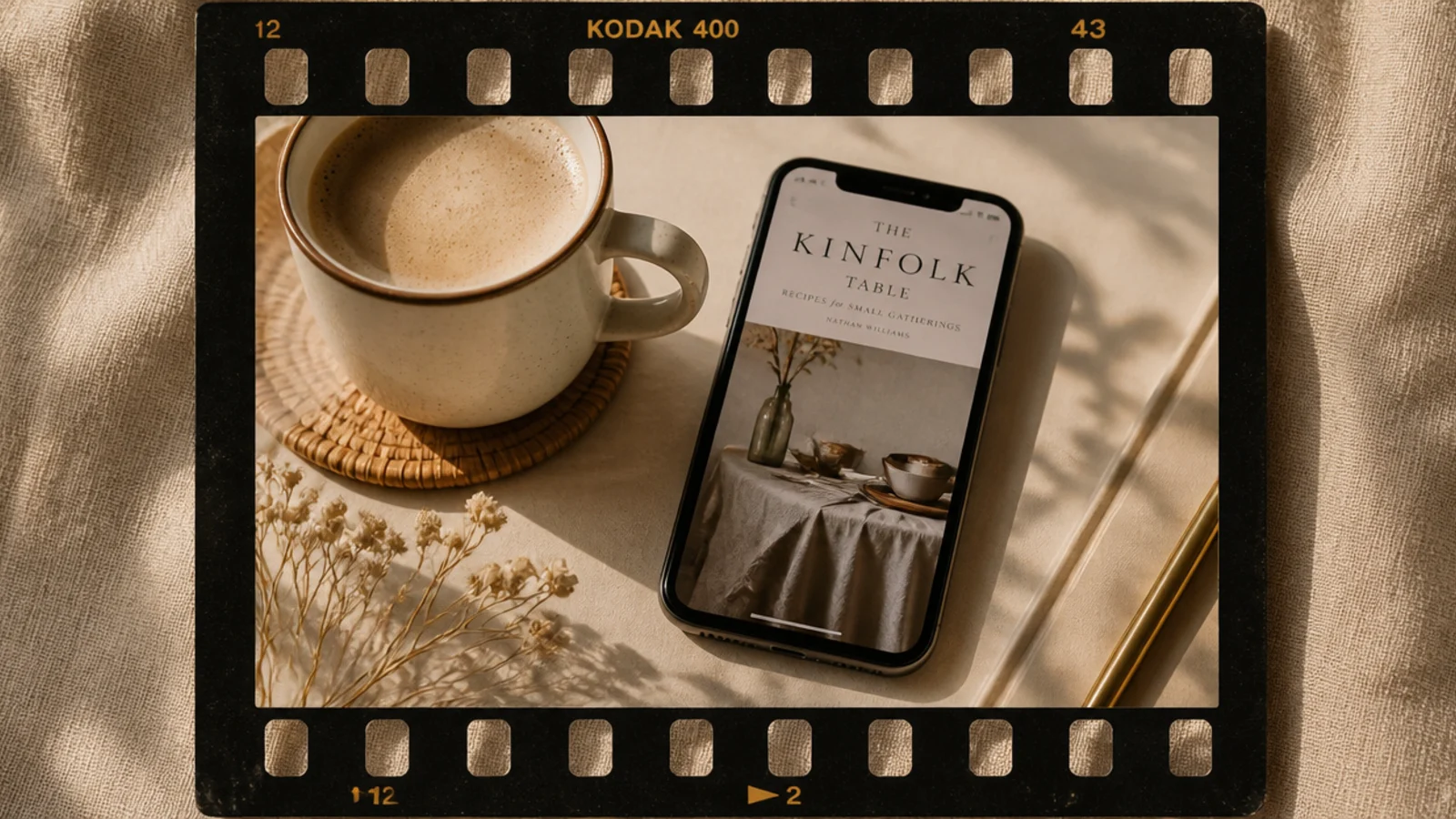
On a 1080x1350 canvas, add a 'film strip' element and drop the photo into its slot. Apply a warm tint and light grain over the whole frame. Keep the frame numbers in a mono font at the edge. Export as PNG.
An aged filmstrip frame wraps the photo in a worn film border with sprocket holes and frame numbers. The grain and warm tone complete the analog feel. It suits 70s-80s themed and travel-film posts.
Skip thisDo not use a crisp, cool-toned photo in the strip; warm it first so it matches the analog frame.
Editor's noteTint the filmstrip and photo together so the whole frame shares one aged warm tone.
12. Distressed Paper Frame
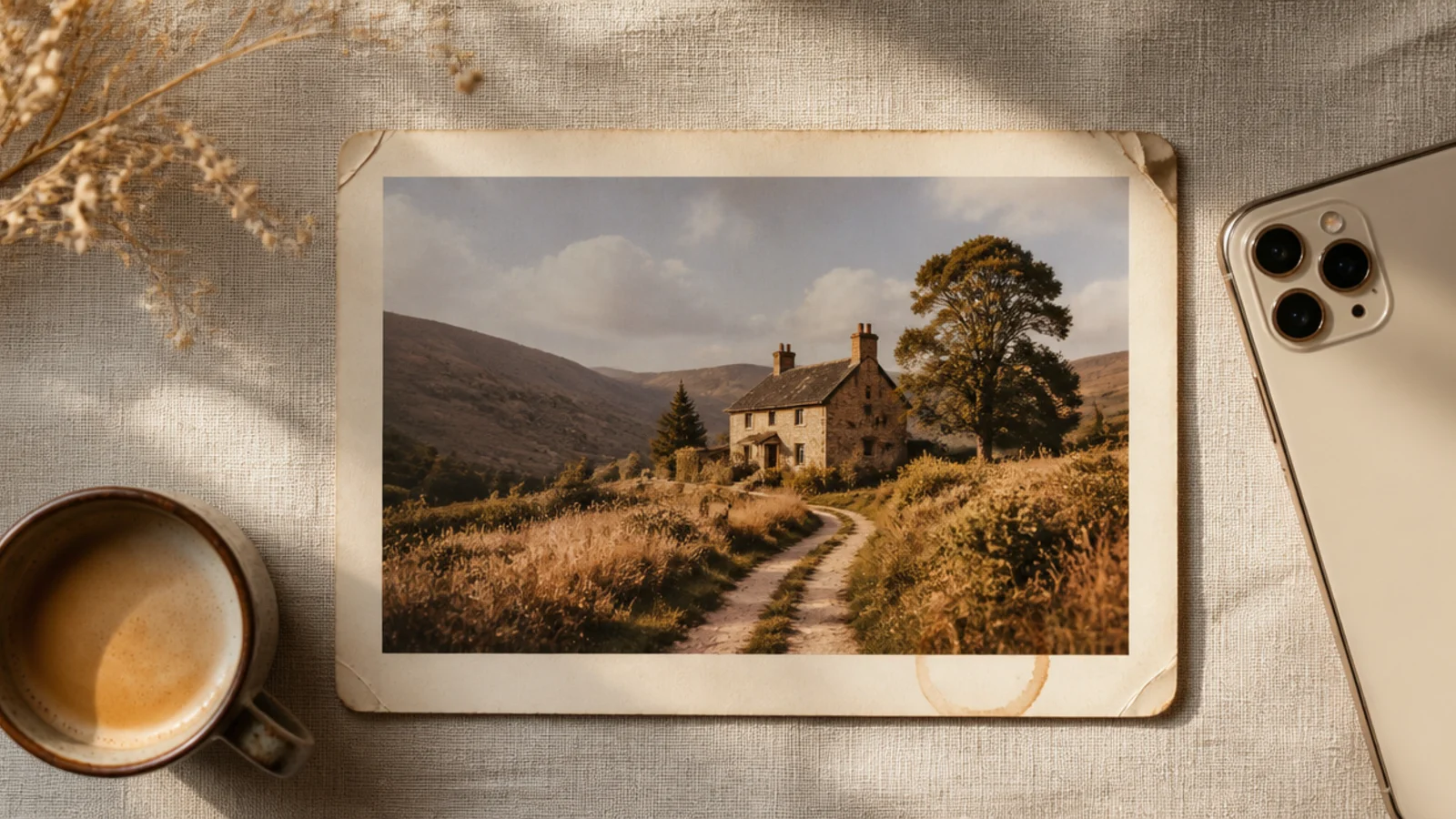
A distressed-paper mount makes the photo look pasted into an old, well-handled journal, complete with stains and worn edges. The imperfections add character. It suits scrapbook, journaling, and heritage posts.
On a 1080x1350 canvas, add a 'distressed paper' or 'stained paper' texture as the background. Mount the photo at about 840 px wide with a slight tilt and a faint shadow. Add a subtle stain or ring mark near one corner. Export as PNG.
Tilt the photo a degree or two and add one faint stain so the page looks genuinely handled, not printed.
Do not overload the page with stains and marks; one or two subtle ones read authentic, many look staged.
13. Vintage Travel Ticket Frame
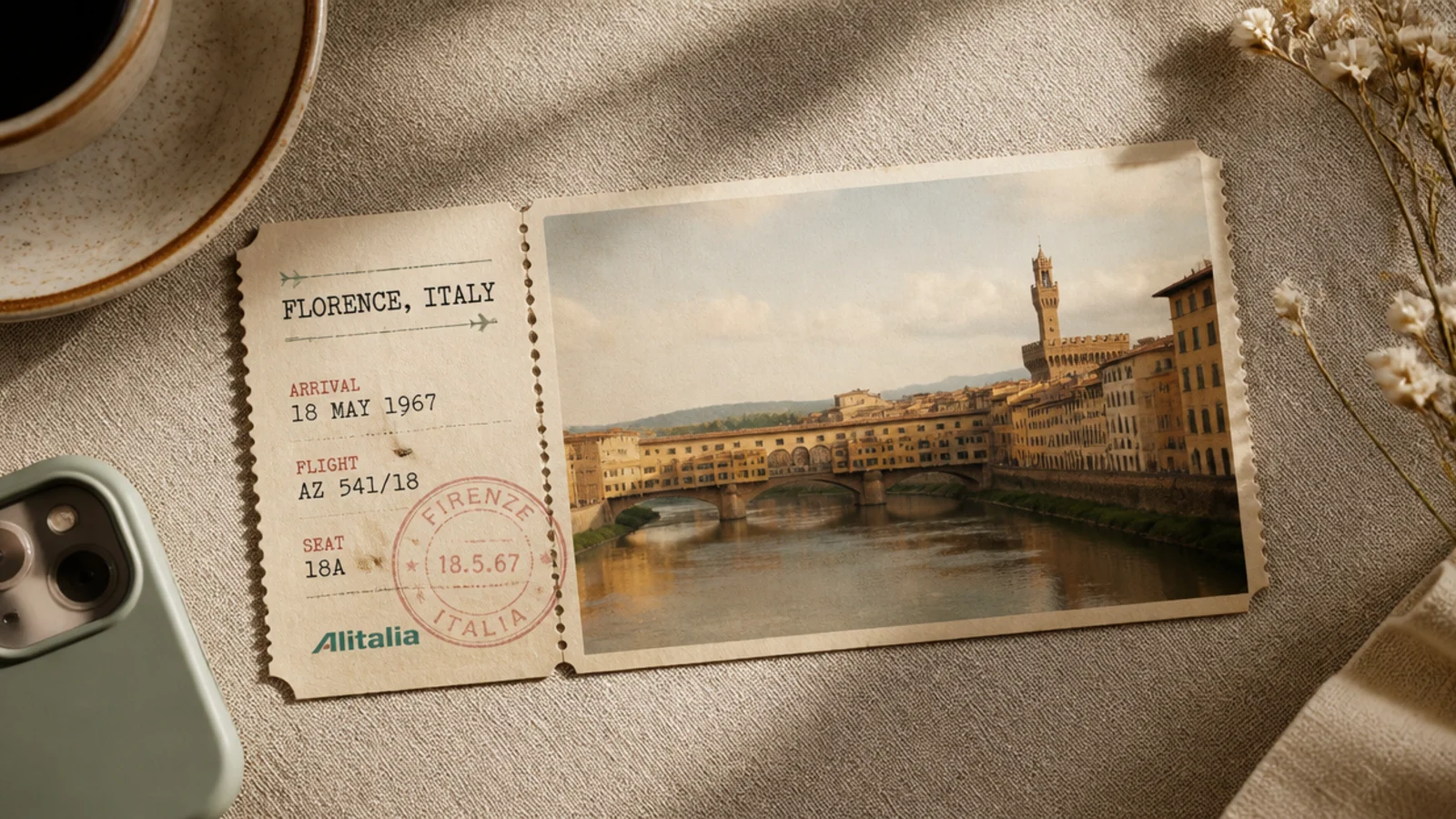
On a 1080x1350 cream canvas, place the photo inside a ticket shape with dashed perforation edges. Add typewriter-font labels (a route, a date) in Courier 24 px and a faded circular stamp. Apply a warm tint. Export as PNG.
A vintage ticket frame styles the photo like an old rail or steamship ticket, with perforated edges and typewriter text. It reads retro travel and adventure. It suits trip throwbacks and journey-themed posts.
Skip thisDo not add too many ticket fields; a route, a date, and a stamp keep it readable and believable.
Editor's noteUse a typewriter font for the ticket text; it instantly signals an old printed ticket rather than a modern one.
14. 90s Camcorder Frame
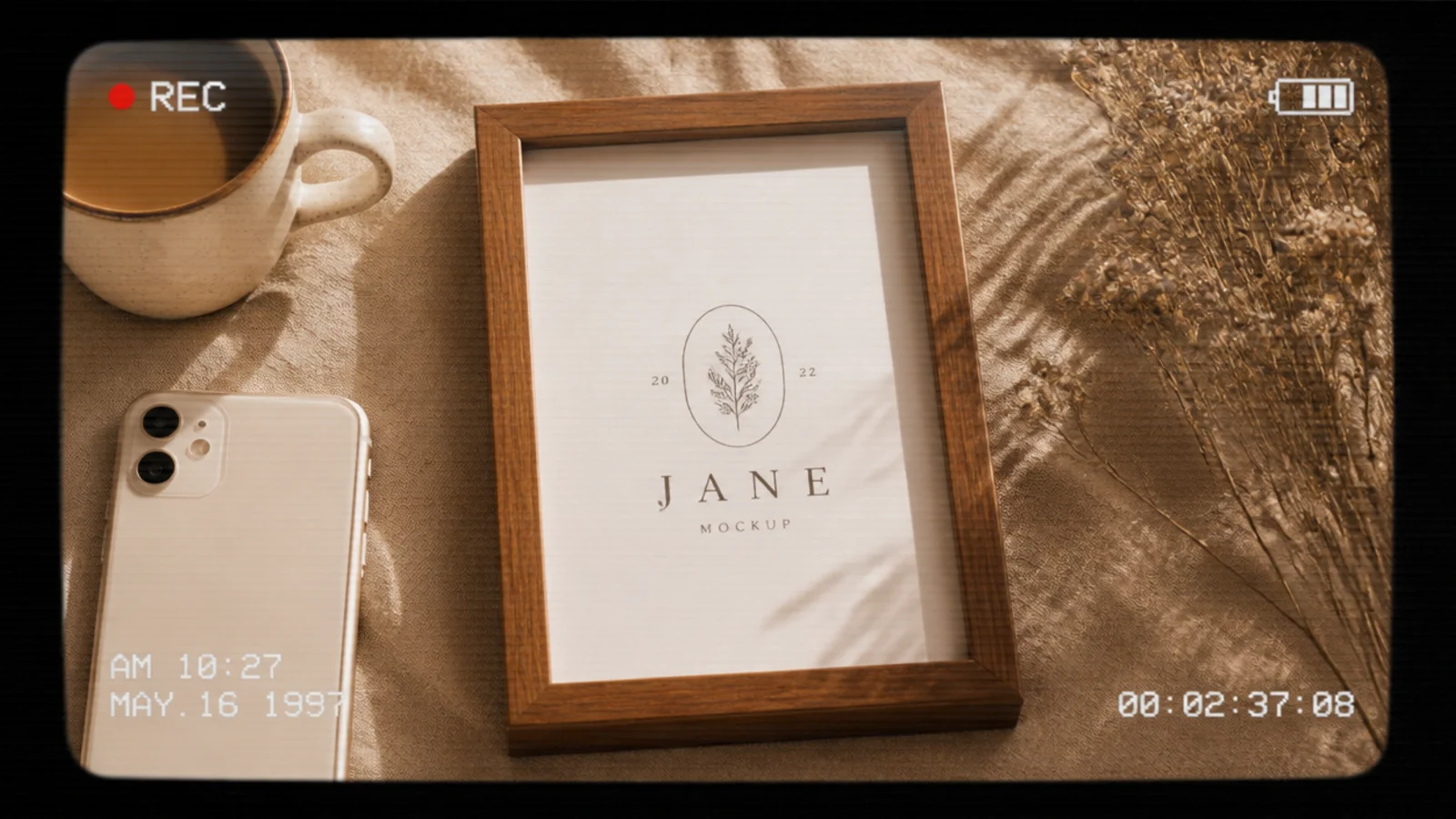
On a 1080x1350 canvas, place the photo full-bleed. Add a red REC dot and 'REC' label top-left, a timecode top-right, a battery icon, and faint horizontal scan lines over the whole frame at low opacity. Use a mono font. Export as PNG.
A camcorder frame overlays the photo with a 90s video interface — a REC indicator, timecode, and faint scan lines. It is fun and instantly nostalgic. It suits playful throwbacks and retro-themed reels covers.
Skip thisDo not overload the screen with icons; a REC dot and a timecode are enough to read as a camcorder.
Editor's noteKeep the scan lines very faint so the interface reads as old video without obscuring the photo.
15. Antique Botanical Border Frame
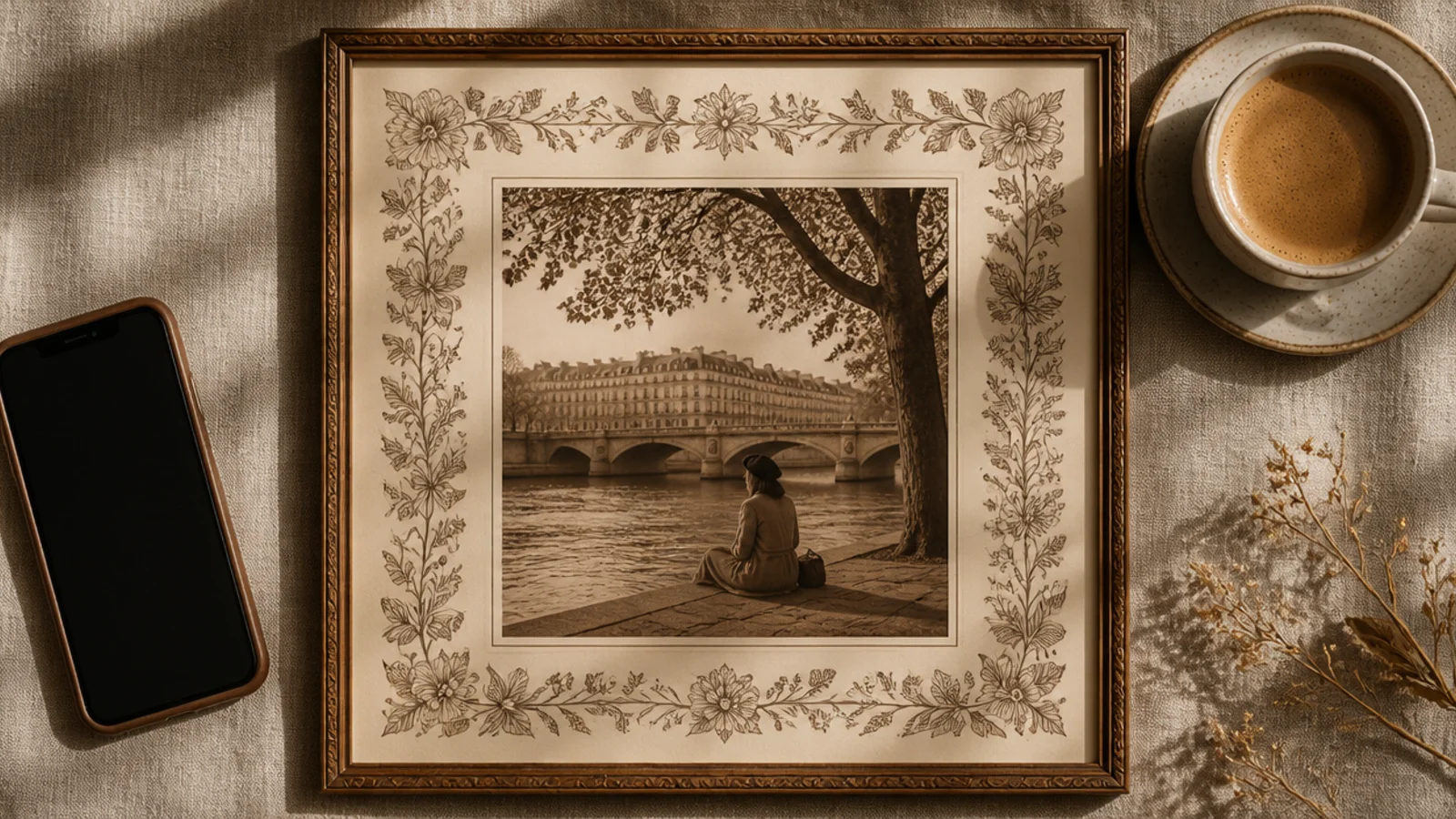
On a 1080x1350 cream canvas, add an 'antique botanical' or 'vintage engraving border' element in faded sepia ink around a 780x1040 px photo opening. Apply a light warm tint to the photo. Keep the mat even. Export as PNG.
An antique botanical engraving border surrounds the photo with detailed vintage plant illustrations in faded ink. It feels like a page from an old natural-history book. It suits nature, floral, and heritage-themed posts.
Skip thisDo not use a bright green modern botanical; faded sepia-ink engraving is what makes it read antique.
Editor's noteMatch the border’s faded sepia ink to a light sepia tint on the photo so the whole frame reads as one old page.